

How to Answer TEAS 7 Alternate Item Types (SATA, Hot Spot, Timelines)
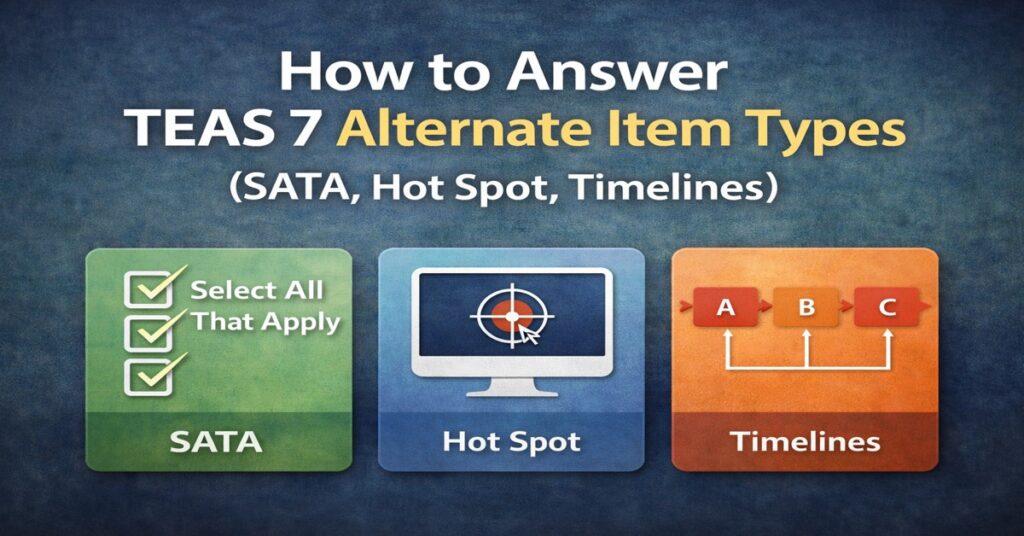
A graphic titled 'How to Answer TEAS 7 Alternate Item Types (SATA, Hot Spot, Timelines)'. Below the text are three color-coded icons: a green square with checkboxes for Select All That Apply (SATA), a blue square showing a computer monitor with a target cursor for Hot Spot questions, and an orange square showing a chronological sequence of blocks for Timelines.

Conquering TEAS 7 Alternate Item Types The ATI TEAS 7 includes Alternate Item Types such as Select All That Apply (SATA), Hot Spots, Ordered Responses, and Fill-in-the-Blank questions, which can make up to 15% of your total exam. Because ATI does not offer partial credit for these questions, you must use specific strategies to answer […]

Signup for our newsletter

Subscribe to receive the Nurse Cheung Newsletter, NurseCheung Store news, and more!